LG is the other easy platform. Every LG smart TV since 2018 installs IPTV players straight from the LG Content Store, and the Magic Remote's point-and-click cursor makes the setup screens faster to drive than any other TV brand. Nothing to sideload, nothing to unlock, no stick in the HDMI port.
Setup is genuinely a two-field job - install a player, paste your M3U URL - so this guide spends its extra length where LG actually differs: the slow first guide load webOS is known for, the regional store catalogue, TruMotion, and what to do with the 2016-2017 sets that almost work.
Credentials come first, as ever. A plan from the pricing page or the 24-hour free trial both issue the same M3U URL, and the trial is enough to complete everything on this page.
webOS in one minute
webOS started life at Palm as a phone operating system, and LG has shipped it on every smart TV since 2014 - the card-based launcher along the bottom of the screen is its signature. It is quick, stable, and drives with the Magic Remote's on-screen pointer, which turns app-store searching and URL entry from a chore into a few seconds of pointing.
For IPTV the platform matters in two ways. The Content Store carries the mainstream players from webOS 4.0 onward - 2018 models and later - and the store catalogue is filtered by the country configured on the TV, which explains almost every missing app report we get. Older webOS 3.x sets from 2016-2017 sit in a grey zone: players install, then stumble on the guide download.
webOS also treats background data conservatively, which is why the first EPG load takes longer here than on any other platform in these guides. It is a one-time cost - after the first fill, the guide refreshes silently and the app opens straight into live TV.
What you need before you start
- An LG TV on webOS 4.0 or newer - 2018 models onward
- Your welcome email with the M3U URL
- The Magic Remote, for the pointer - or the LG ThinQ phone app as a substitute
- A stable connection; LG TVs accept Ethernet directly if the router is close
No credentials yet? Get them with a 24-hour free trial or a plan from $15 on the pricing page.
Step-by-step: LG Smart TV
- 1
Open the LG Content Store
Press Home and select the LG Content Store from the launcher bar along the bottom. If you have never used the store, it may ask you to accept its terms once - accept and it opens to the front page.
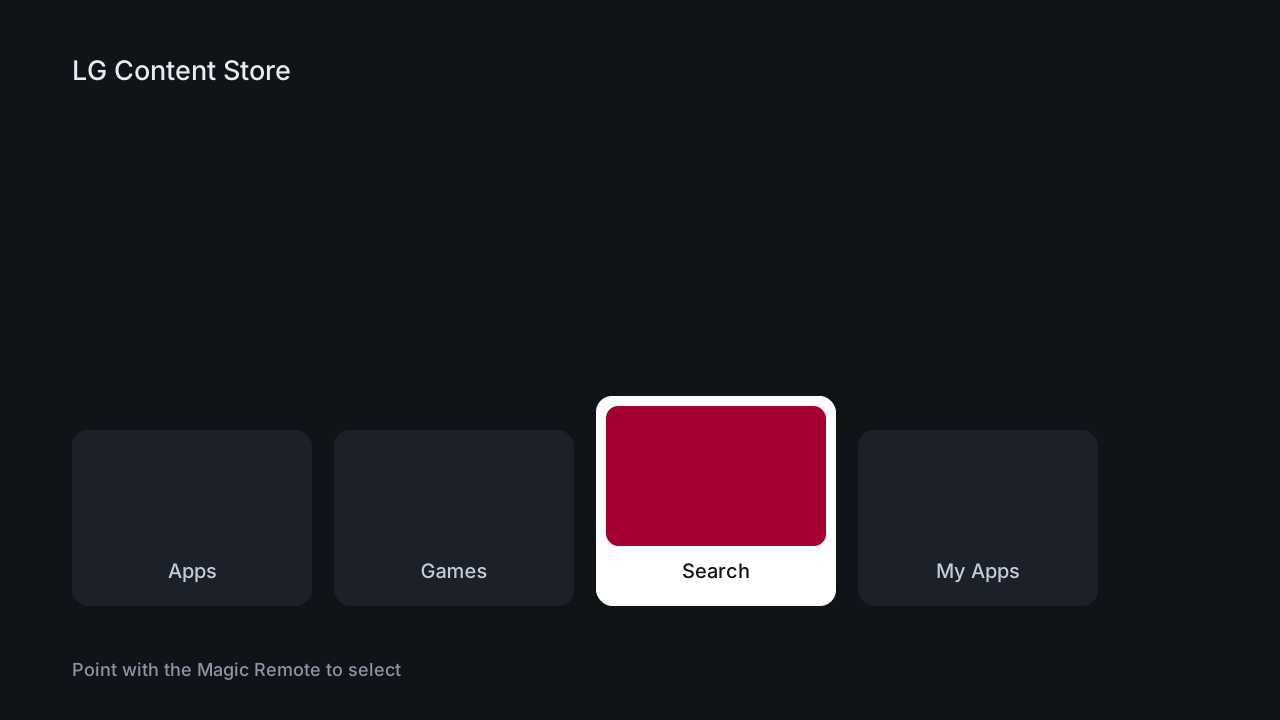
Illustration of the webOS launcher with the LG Content Store selected - 2
Search and install the player
Open search in the top corner and type the player name from your welcome email - the Magic Remote pointer plus the on-screen keyboard makes this quick. Install is one click and the player is free.
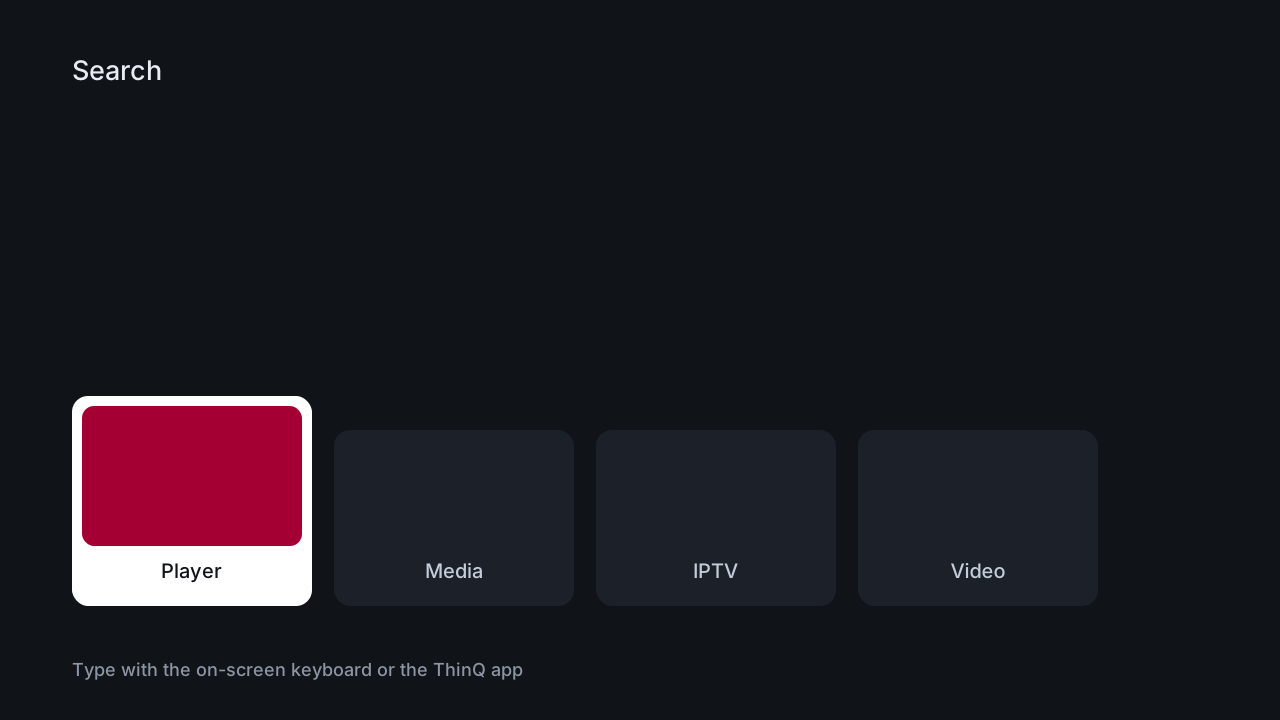
Illustration of searching the LG Content Store for the IPTV player - 3
Open the player's playlist settings
Launch the app. First run lands on an empty channel list - open its Settings, then Playlist, then Add. Different players word this slightly differently, but the add-playlist screen is never more than two menus deep.
- 4
Paste your M3U URL
Enter the M3U URL exactly as it appears in your email - the http prefix and any port number are part of the address, and dropping either is the classic failed-setup cause. Name the playlist anything and save.
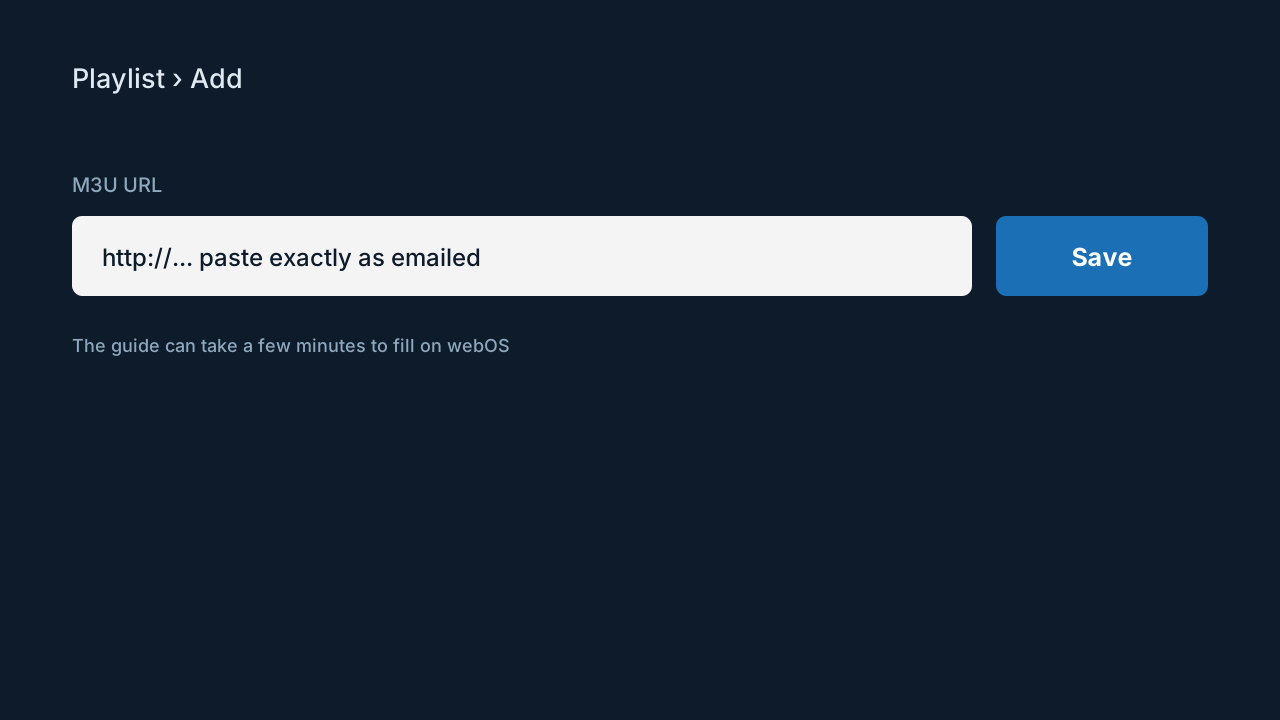
Illustration of the playlist screen on webOS where the M3U URL is pasted - 5
Wait out the first guide load
The channel list appears at once; the EPG can take a few minutes on webOS the first time because the platform throttles background downloads. Leave the app open and let it finish - every later launch is instant.
- 6
Set the picture mode for sport
LG's TruMotion smoothing flatters film and ruins live sport. Picture Settings, Picture Mode - pick Sports, or switch TruMotion off entirely for the cleanest fast motion and the least input lag.
LG TV years and IPTV support
| Model years | webOS version | Player support | Recommendation |
|---|---|---|---|
| 2021-2026 | webOS 6.0+ | Full | Install from the store, done |
| 2018-2020 | webOS 4.0-5.0 | Full | Reliable on mainstream players |
| 2016-2017 | webOS 3.x | Partial | Installs, then struggles on the guide |
| 2014-2015 | webOS 1-2 | Rare | A streaming stick is the honest fix |
Tips that save time
Point, do not arrow
Everything in webOS is built for the Magic Remote cursor. If you have been pressing arrow keys through keyboards and menus, wave the remote at the screen instead - URL entry drops from minutes to seconds, and it is the reason LG setup wins on speed.
ThinQ app as a second remote
Lost the Magic Remote, or the batteries died mid-setup? The LG ThinQ app on your phone provides a pointer and a phone-keyboard for text fields, which is arguably even quicker for pasting a long URL.
Ethernet is right there
Every recent LG TV has an Ethernet port. For live sport a cable beats every wireless setting in the player, and it also steadies the big first EPG download that webOS is slow about.
Common mistakes to avoid
Dropping the port number from the URL
M3U URLs often carry a port after the domain. Losing it while retyping is the most common LG setup failure - paste, do not transcribe, and the ThinQ phone keyboard makes pasting possible.
Judging the guide too early
webOS throttles the first EPG download, so an empty guide two minutes in is normal, not broken. Give it five minutes before touching anything - deleting and re-adding mid-download restarts the clock.
Fighting a webOS 3.x set
2016-2017 TVs install players and then wedge on the guide. Reinstalling does not change the memory ceiling; a $30 stick in HDMI 1 does.
Leaving TruMotion on for sport
Interpolated 60fps sport looks synthetic and adds lag. Sports mode or TruMotion off - one visit to Picture Settings, permanent improvement.
If something isn't working
The player is missing from the Content Store
+
The store catalogue follows the country set on the TV. Settings, General, Location - match it to where you actually live, restart the store, search again. LG's support pages list the setting by model year. Genuinely absent in your region? Support keeps track of which webOS player currently works where.
The guide stays empty after ten minutes
+
Delete the playlist inside the player and re-add it so the download starts clean. If the channel list is empty too, the URL lost a character in transit - re-paste it and compare the port number against the email.
Streams stutter in the evening
+
Evening-only problems are Wi-Fi congestion, not the service. Use the TV's Ethernet port, or a powerline kit if a cable run is impossible - either ends the 8pm stutter pattern.
The app worked and now crashes on launch
+
Clear the app cache from the Content Store's app management screen and power-cycle the TV at the wall for ten seconds - webOS standby does not fully restart it. Persisting on a 2016-2017 set is the memory limit showing.
The pointer disappeared mid-setup
+
Shake the Magic Remote horizontally to wake the cursor, or re-pair by holding the wheel button for five seconds pointing at the TV. The ThinQ app stands in while you sort batteries.
Not listed? The setup hub covers the five most common problems across all devices, and support will walk it through with you live.
LG questions, answered
Which LG TVs can run IPTV apps?
+
Any LG on webOS 4.0 or later - 2018 models onward - installs mainstream players from the Content Store. 2016-2017 webOS 3.x sets are hit-and-miss under memory load, and older TVs have no usable store; a streaming stick is the sensible route for those panels.
Is LG setup different from Samsung?
+
Functionally identical - store app plus M3U URL. The practical differences: LG's pointer makes text entry faster, Samsung offers device-ID linking so you can skip typing entirely, and LG's first guide download is slower. Both land in the same place within ten minutes.
Can I record IPTV on an LG TV?
+
webOS players generally cannot record - the platform restricts the disk access recording needs. If a DVR matters to you, run the same subscription on an Android box or Firestick with TiviMate and USB storage; screen count is the only shared limit.
Does the LG app cost anything?
+
No - the players are free downloads, and your only cost is the subscription itself. An app demanding a separate activation fee inside the TV store is not one we directed you to; check the name against your welcome email.
Do these steps work on older LG TVs from 2016?
+
They install, and then the guide download usually defeats the hardware. You can try - some 2017 panels cope - but plan on a Fire TV Stick as the fallback rather than repeated reinstalls. The subscription transfers to the stick unchanged.
Does 4K work on LG?
+
Yes, on any 4K LG panel with about 25 Mbps reaching the TV. The player passes through whatever the channel broadcasts - 4K feeds in 4K, HD in HD - and OLED motion handling makes LG particularly good for sport once TruMotion is off.
Why does the first guide load take so long on LG?
+
webOS throttles background downloads harder than other TV platforms, and the EPG file is large. It is a first-run cost only - after the initial fill the guide refreshes incrementally and the app opens straight to live channels.
Can the same subscription run on my LG TV and a Firestick?
+
Yes. Install on both; the plan's one to five simultaneous screens is counted while streams are actually playing, not per configured device. A living-room LG and a bedroom stick is the standard two-screen setup.
More general questions - legality, pricing, channels - live on the main FAQ.