
On iPhone and iPad everything comes from the App Store - Apple permits no sideloading in the US, and none is needed. You install a standard M3U player, paste the URL from your welcome email, and the same subscription that runs the living-room TV is in your pocket for the commute, the gym, and the hotel room.
iOS has exactly two platform quirks worth respecting: a local-network permission that silently decides whether AirPlay works, and cellular data, which live 4K burns at roughly seven gigabytes an hour. Both get their own steps below, along with the settings that stop iOS from quietly throttling video.
Credentials first, as with every guide here: a plan from the pricing page or the 24-hour free trial, which issues the same M3U URL a paying subscriber receives.
How iPhone fits an IPTV setup
Nobody makes the phone their main screen, and that is not the point. The iPhone earns its place as the second screen and the bridge: the game continues on the commute, the hotel TV gets AirPlayed onto, and the bedroom set with no app installed plays whatever the phone sends it. One subscription covers all of it, counted by simultaneous streams rather than devices.
Apple's walled garden actually simplifies things. There is no APK route and no unknown-sources toggle - the App Store carries standard M3U players, they update themselves, and the only permissions that matter are the two iOS asks for on first launch. The flip side is that recording is effectively off the table on iOS; that job belongs to an Android box.
AirPlay is the sleeper feature. Any Apple TV or AirPlay 2 television - most sets from LG, Samsung, Sony and Vizio since 2019 - accepts full-quality video from the player with the phone acting as remote. Granting the local-network permission in step 3 is what makes that possible.
What you need before you start
- An iPhone or iPad on a reasonably current iOS - anything from the last five years qualifies
- Your welcome email with the M3U URL
- Wi-Fi for the first setup - the guide download is sizeable
- An Apple TV or AirPlay 2 television, only if you want the big-screen trick
No credentials yet? Get them with a 24-hour free trial or a plan from $15 on the pricing page.
Step-by-step: iPhone & iPad
- 1
Install the player from the App Store
Search the App Store for the player named in your welcome email and install it - it is free. Ignore lookalike apps with weekly-subscription pop-ups; the store is full of them around IPTV search terms, and the name in your email is the one that works.
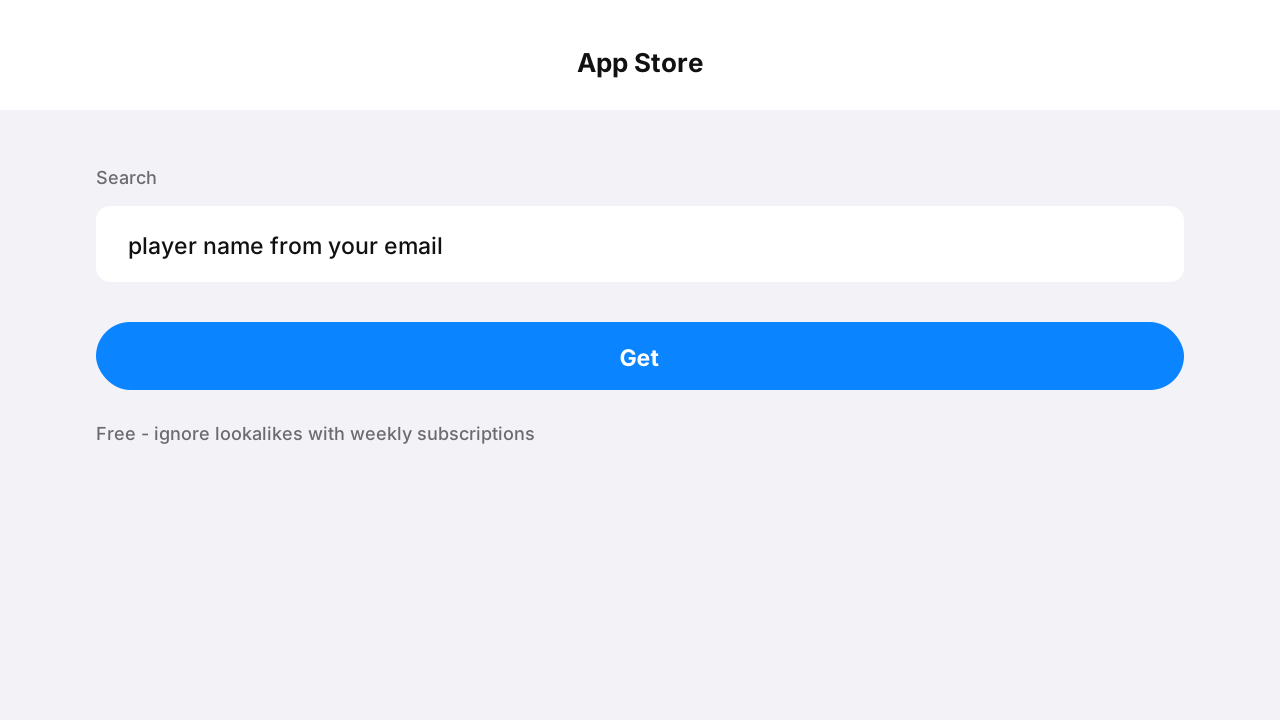
Illustration of searching the App Store for the IPTV player - 2
Add your playlist
Open the app, choose Add playlist, then M3U URL. Long-press the field and Paste - retyping a 60-character URL on a phone keyboard invites the exact one-character typos that fill our support queue.
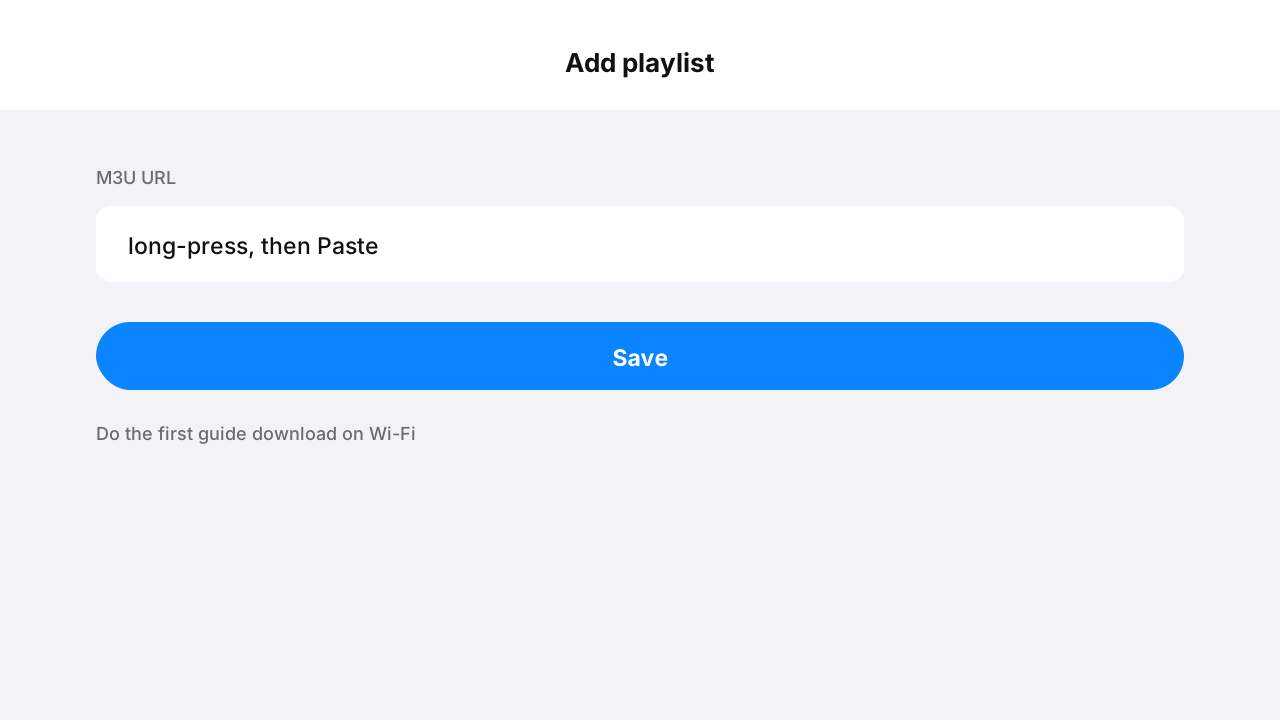
Illustration of pasting the M3U URL into the player on iPhone - 3
Allow local network access when asked
On first launch iOS asks whether the app may find devices on your local network. Allow it - this is the permission AirPlay and casting discovery depend on. Decline it and casting fails later with no error message linking cause to effect.
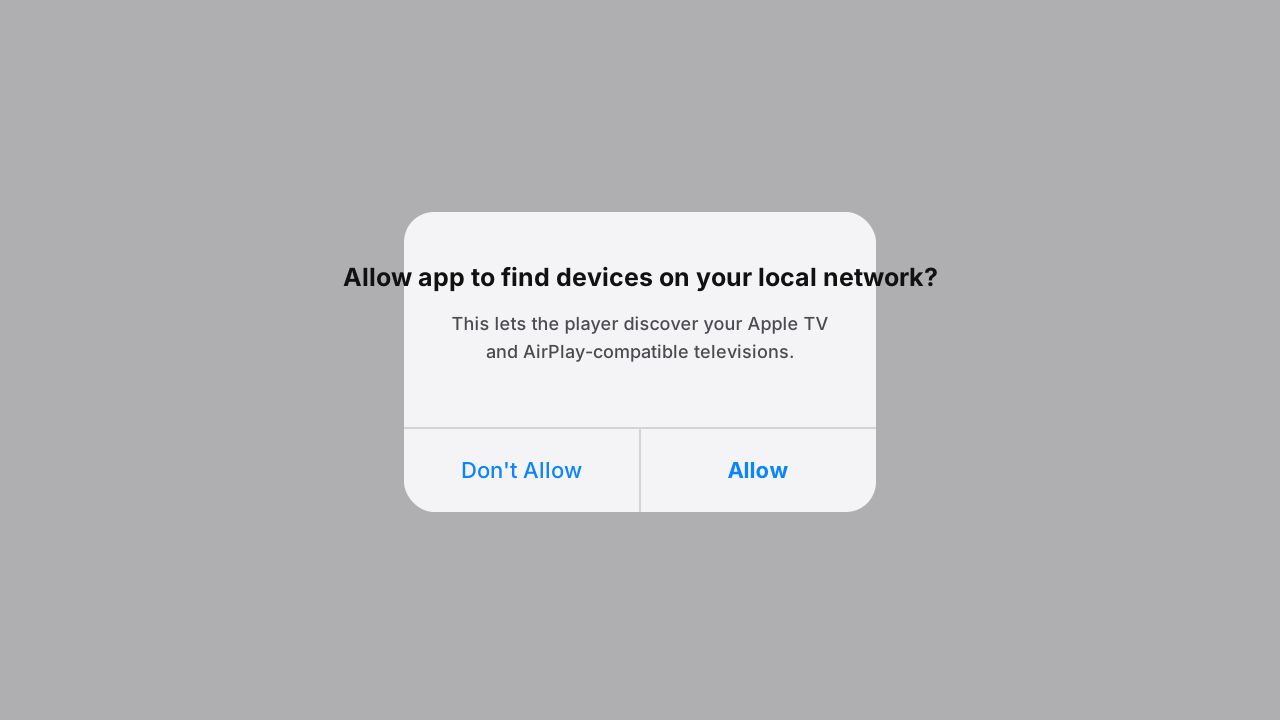
Illustration of the iOS local-network permission prompt with Allow highlighted - 4
Do the first load on Wi-Fi
The EPG is a large first download - let it happen on Wi-Fi. Afterwards the guide refreshes incrementally and costs very little data, so day-to-day cellular browsing of the guide is cheap.
- 5
Send it to the big screen with AirPlay
Start a stream, tap the AirPlay icon, pick your Apple TV or AirPlay 2 set. Video moves to the television at full quality while the phone becomes the remote - and can even lock without stopping playback on most players.
- 6
Cap cellular use if your plan is metered
In the player settings, enable Wi-Fi-only playback or set a lower cellular quality. Live 4K runs about 7 GB per hour and 1080p about 3 GB - numbers that turn an unlimited-until-throttled plan into a slideshow by month-end if left unmanaged.
What iPhone IPTV actually costs in data
| Quality | Data per hour | A full NFL game | Sensible on |
|---|---|---|---|
| 480p SD | ~1 GB | ~3 GB | Any cellular plan |
| 720p HD | ~2 GB | ~6 GB | Generous cellular plans |
| 1080p Full HD | ~3 GB | ~9 GB | Wi-Fi, or unlimited plans |
| 4K UHD | ~7 GB | ~21 GB | Wi-Fi only, realistically |
Tips that save time
Split View on iPad
Most players support iPadOS Split View, so the game runs beside your browser or a scoreboard app. Drag the player to the screen edge like any other window - an iPad on a stand becomes a very capable kitchen TV.
Low Power Mode throttles video
iOS quietly reduces decoding performance below 20% battery in Low Power Mode. A stream that stutters at 15% battery and recovers when plugged in is the phone protecting itself, not the feed degrading.
Picture-in-picture for multitasking
Enable PiP in the player settings and the stream shrinks to a floating window when you switch apps - the score stays visible through your email. iOS suspends full-screen video in backgrounded apps unless PiP carries it.
Common mistakes to avoid
Denying the local-network prompt
It reads like a privacy trap, so people tap Don't Allow - and weeks later AirPlay cannot find the TV with no explanation. The permission is what device discovery runs on; grant it, or fix it later under Settings, Privacy & Security, Local Network.
Typing the URL instead of pasting
Phone keyboards autocorrect and auto-capitalise URLs into broken ones. Long-press, Paste, save - the three seconds that prevent the most common iOS setup failure.
Streaming 4K on cellular out of habit
Seven gigabytes an hour adds up invisibly until the carrier throttles the line. Set the cellular cap once and the phone stays a great second screen instead of a data liability.
Expecting recording on iOS
Apple's sandbox rules mean iOS players do not record. If a DVR matters, that job belongs to an Android box with TiviMate and a USB drive - the same subscription covers both devices.
If something isn't working
AirPlay cannot find my TV
+
Both devices must be on the same Wi-Fi network, and the player needs the local-network permission - check Settings, Privacy & Security, Local Network and make sure it is enabled. Then toggle Wi-Fi off and on to restart discovery.
Playback stops when I switch apps
+
Enable picture-in-picture or background audio in the player settings. iOS suspends backgrounded full-screen video by design; PiP is the sanctioned way to keep the stream alive as a floating window.
The picture drops to SD on cellular
+
That is the player's own cellular quality cap protecting your data plan, not the network failing. Raise it in the player settings if you have the data to spend - knowingly.
The app rebuffers on hotel Wi-Fi
+
Hotel networks throttle video aggressively - a quick Fast.com check tells you what you are working with. Drop the stream quality to 720p in the player for the stay - a stable HD picture beats stuttering 4K - and avoid peak evening hours when the whole building streams at once.
Sound continues but the screen went black
+
That is PiP minimising to audio when the phone locked. Unlock and tap the floating window, or disable lock-screen dimming in the player if it offers the option. The stream never actually stopped.
Not listed? The setup hub covers the five most common problems across all devices, and support will walk it through with you live.
iOS questions, answered
Is there an IPTV app for iPhone in the App Store?
+
Yes - standard M3U players are in the App Store, and the one named in your welcome email is free. Apple permits no sideloading in the US, and none is needed; avoid the lookalike apps around IPTV search terms that charge weekly subscriptions for the same function.
Can I AirPlay IPTV to my TV?
+
Yes. With the local-network permission granted, streams AirPlay at full quality to an Apple TV or any AirPlay 2 television - most major-brand sets since 2019. The phone acts as the remote, and it is a perfectly good way to serve a TV with nothing installed on it.
How much data does IPTV use on iPhone?
+
Roughly 1 GB per hour at 480p, 3 GB at 1080p, and about 7 GB at 4K - a full NFL game in 4K is around 21 GB. That is why the players ship a Wi-Fi-only switch and a cellular quality cap; set one of them and the phone stays a sensible second screen.
Does one subscription cover iPhone, iPad and my TV?
+
Yes. The same credentials work in any compatible player on any device; the plan's one to five simultaneous screens is the only limit, counted while streams actually play. Phone on the train plus TV at home at the same time needs two screens.
Can I record IPTV on iPhone?
+
No - Apple's sandboxing prevents iOS players from recording streams, and that is true across every player in the store. Recording belongs to an Android box or Firestick with TiviMate and storage; the same subscription drives both.
Why did the app ask about my local network?
+
That prompt gates device discovery - AirPlay and casting depend on it. It is not tracking; it is how the player finds your Apple TV. Granted or fixed later under Settings, Privacy & Security, Local Network, it is the difference between casting working and silently failing.
Does it work on iPad the same way?
+
Identically, plus iPad extras: Split View beside another app, Stage Manager on newer iPads, and a far better keyboard for the one-time URL paste. An iPad on a stand is a legitimately good kitchen or office TV.
Will streaming drain the battery badly?
+
Screen-on video is inherently hungry - expect roughly 10-15% per hour on recent iPhones at 1080p. AirPlaying to a TV costs far less because the screen can lock; Low Power Mode helps battery but throttles decoding, so plug in for long sessions.
More general questions - legality, pricing, channels - live on the main FAQ.